
Weak
"See the guidance above." Works only on screen, only in the current order of the page, and only until the page is edited.
1600 Pennsylvania Avenue NW, Washington, DC 20500
Monday to Friday, 9:00 AM – 6:00 PM (Eastern Time)
+1 202-457-6857 [email protected]Documentation Standards
Most complaints about policy documentation are structural, not editorial. The writing is fine; the page is impossible to navigate. These standards describe the conventions Yulmeris uses and recommends: numbered steps, controlled vocabulary, and cross-references that survive being printed.

Applies to
Procedural pages, reference pages, and anything cited in print
Applies to
Numbered steps, controlled vocabulary, cross-references
Reader-first structure is the part teams skip when a deadline is close, and it is the part that decides whether the page gets used.

Lead with what the reader must do, then explain why. A page that opens with statutory background before the first actionable step loses the reader who came to file, register, or request. Keep the background, but place it after the steps or behind a link, and keep it short enough to scroll past.
Reading order is not the same as legal order. Statutes introduce scope, authority, and definitions before duties, which is correct for law and wrong for a page someone opens at 4:40 on a Friday. Reorder the page for the reader and keep a short "Authority" note near the end for reviewers who need the trail.
Steps for order. Prose for rules.
Pick the form before you write the sentence, then hold that choice for the whole section.
Use numbered steps when order matters and skipping one changes the outcome. Use prose when the reader needs to understand a rule rather than execute it. Mixing the two in one section is the most common structural fault: readers cannot tell which paragraph is an instruction and which is context. In this library, procedural pages use steps and reference pages use prose.
A procedural section, written as steps
Open with the action: what the reader submits, requests, or registers for. One sentence, active voice.
State what the reader needs in hand before starting. Keep the list short and parallel.
Give the sequence, one action per step. If a step has two conditions, it is two steps or a short table.
Close with what happens next and who to contact if the step fails.
The same content as prose
An applicant may request review by submitting the completed form and supporting records. Eligibility depends on the filing date, the applicant's status at the time of filing, and whether a prior determination applied. Requests submitted after the filing window are returned without a decision, and the applicant may reapply in the next cycle.
Nothing here is out of order; the reader simply cannot tell where the instruction ends. Before you convert, ask whether a mistake in sequence changes the result. If it does, use steps.
Pick one term for each concept and use it everywhere, including in headings, links, and alt text. If "policy manual" is your term, do not alternate with "handbook" for variety. Controlled vocabulary makes search work and makes translation possible. It also makes review faster, because a reviewer can search the term and see every place it appears.
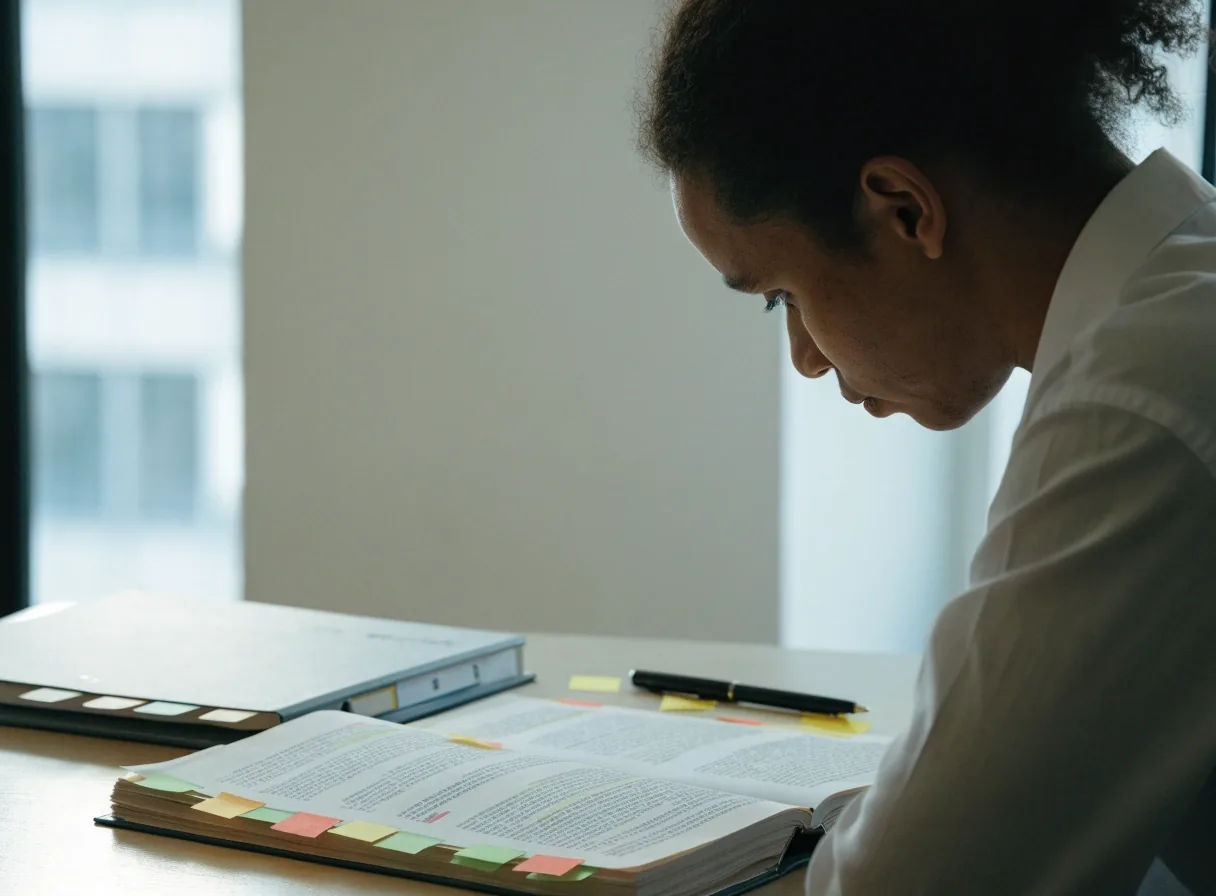
One term per concept
Choose "policy manual" or "handbook" once, then use it in headings, link text, captions, and image alt text for as long as the page exists.
Synonyms are a defect
Variation reads as polish in an essay and as an error in a reference. A reader searching the term should not have to guess which word you used this time.
Review gets faster
A reviewer searches one term and sees every place it appears. Ambiguous wording stops hiding behind near-miss phrases.
Translation survives
Translators work term by term when each concept has a single label. Mixed vocabulary multiplies glossary questions and slows the reviewed release.
Where the list lives
Keep a short term list on the team page or inside the style guidance, and update it when a term changes so writers are not rebuilding it from memory.
Vocabulary work is unglamorous and cheap. The alternative is a library where the same obligation is described three ways on three pages, which is how contradictions start.
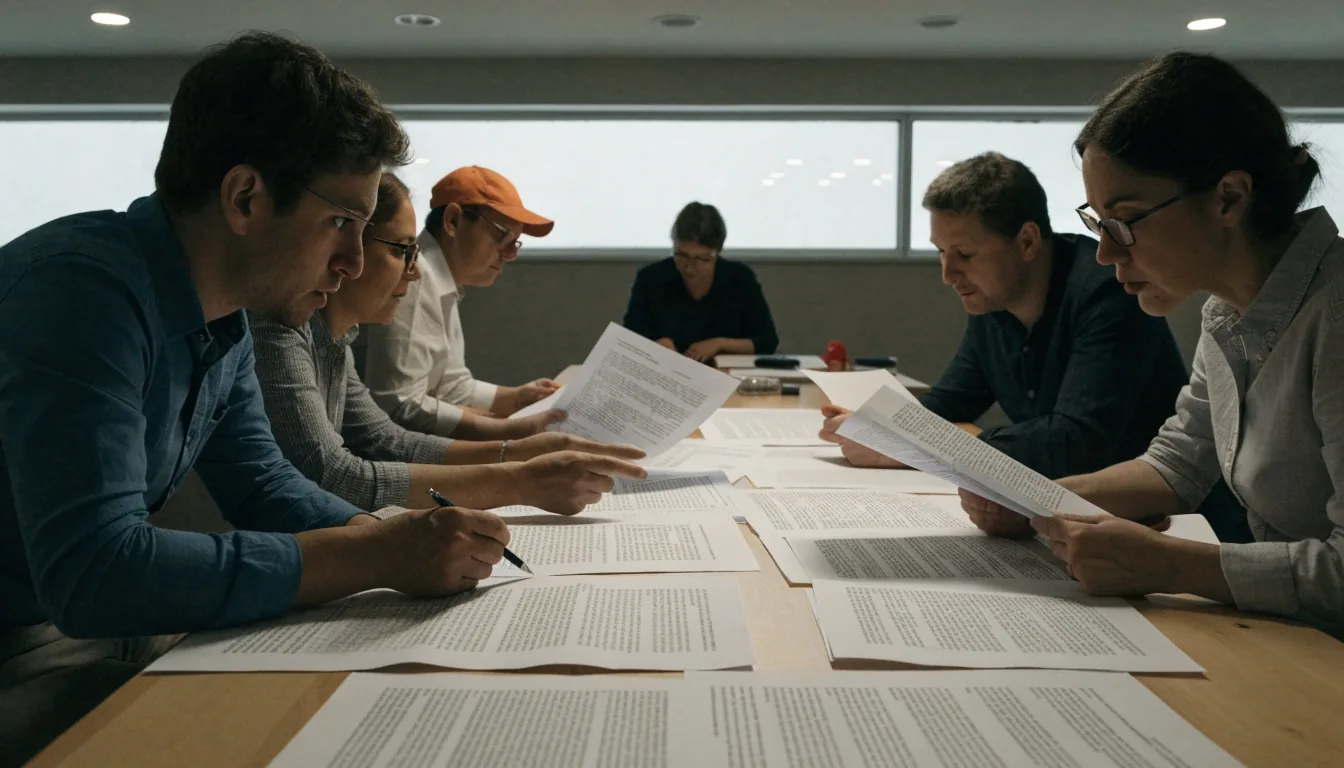
Name the target, not just the link. "See Volume 6, Part A, Chapter 2" works on paper; "click here" does not. Include the document title when the link leaves your site. If the reference is to a document that changes, add the version or date. These habits come straight from how hierarchical documents such as OMB circulars are cited.
Weak
"See the guidance above." Works only on screen, only in the current order of the page, and only until the page is edited.
Strong
"See Volume 6, Part A, Chapter 2" names the target so a printed copy still leads somewhere useful.
Strongest
Add the title and edition when the target belongs to another organization or changes on its own schedule.
Use real heading levels rather than bold text styled to look like a heading. Screen readers navigate by heading level, and so do readers skimming a long page. Keep one H1 per page, use H2 for major sections, and reserve H3 for subsections that belong to a specific H2. If you need four levels, the page is probably two pages.
Section heading
H2 for a major section
Subsection heading
H3 inside a specific section
Bold paragraph acting as a heading
Not a heading level
Looks identical to a heading in a printout and carries no structure for assistive technology. This is the most common accessibility fault in policy documents.
Count before you split
One H1. H2 for major sections. H3 only under an H2. If a topic needs H4, the honest fix is usually two pages with a cross-reference between them, which also shortens both.
Heading levels are part of the documentation standard, not a formatting preference. Write the rule down so the next author follows it.
Tables work for conditions with two or three variables and break down beyond that. For eligibility rules with multiple exceptions, prose with a short list reads better than a wide table. Keep list items parallel in grammar. If a bullet needs three sentences, it is a paragraph.

Two variables, no exceptions
A table is the fastest readable form. Filing window and applicant status, for example, produce four clear cells and no ambiguity.
Three or more exceptions
Wide tables force sideways scrolling and hide the rule the reader came for. Prose with a short list keeps each exception visible next to its condition.
Parallel list grammar
Every item opens with the same part of speech. Readers scan the left edge first, and mixed openings turn a list back into paragraphs.
Bullets that became paragraphs
If an item needs three sentences and a cross-reference, promote it to a short paragraph with its own heading instead of forcing it into a list.
Every policy page should state when it was last reviewed and what changed. Maintain a short changelog for pages that people cite. When a source document is reissued, update the page rather than replacing it, so existing links and citations stay valid.
Review dates belong next to the heading they describe, not buried in a footer that readers never open. A short line of two or three dated entries is enough; the goal is for a reader to know whether the page they are holding still matches the law it explains.
A short review note
Reviewed: filing windows updated
Windows and deadlines restated after the source document was reissued.
Reviewed: cross-references checked
Chapter and part numbers verified against the current volume set.
Reviewed: vocabulary aligned
Terms matched to the current word list, including headings and link text.
Update in place. Replacing the page breaks links and citations that others depend on.
Alt text should state what the document is, not what it looks like. Link text should make sense out of context. Do not rely on position or shape alone to convey meaning. These are structural decisions, and they belong in your documentation standard, not in a separate accessibility appendix nobody reads.
Alt text: what it is
"Completed application form with the signature page on top." Describes the document so a reader who cannot see it still knows what is there.
Link text: where it goes
"See the eligibility table in Volume 6, Part A." Understandable when read alone in a list of links.
Shape and position
Color, indentation, or a side note cannot be the only signal. Repeat the meaning in text so it survives print and screen readers.
Write it into the standard
Accessibility rules kept in a separate appendix get skipped. Place them where authors write headings, alt text, and links.
Yes, as long as each section is clearly one or the other. The fault is mixing them inside a single section, where a reader cannot tell which paragraph is an instruction. Decide per section, and let the heading say which form follows.
Choose the term your readers will search for, note the alternate wording once, and use your chosen term everywhere else. If the source document itself changed, say so in the review note rather than switching words mid-page.
Name the document, add the version or date you consulted, and link to the source rather than pasting content that will drift. That way a printed copy shows which edition the citation was written against.
Both. Everything the rules protect also applies to files, so keep one standard for the whole library rather than separate habits for each version.
Review when the source document is reissued, and otherwise on a schedule the owning team can keep. A short changelog signals that the page is maintained, so steady checking matters more than an ambitious interval.
Use the report link in the closing section and include the page address plus the section name. Reports are checked during the next review cycle of that page.
Read a page that already follows the structure, compare it against the writing guidance, or follow the rulemaking pages where public comment and revisions are handled. If a reference on this page no longer matches the source, tell us and we will correct it in the next review.

Report an outdated reference
Tell us the page address and the section where the reference appears, and describe what the source now says. Updates are handled in the review cycle for that page.
You can also reach the team by email at [email protected] or by phone at +1 202-457-6857. Office hours are Monday to Friday, 9:00 AM to 6:00 PM Eastern Time.